PS Remote Play for TV
3.2star
313 reviews
1M+
Downloads

Everyone
info

About this app
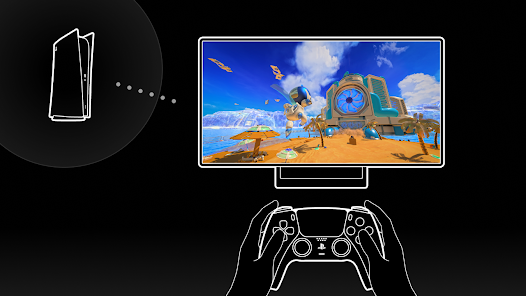
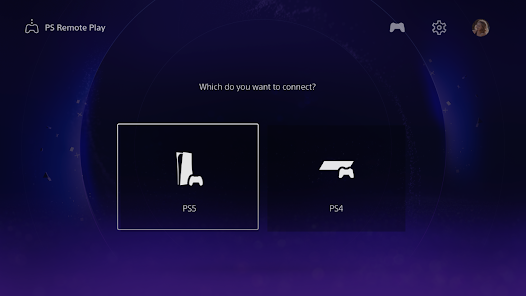
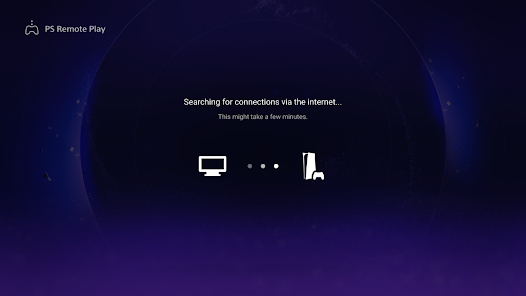
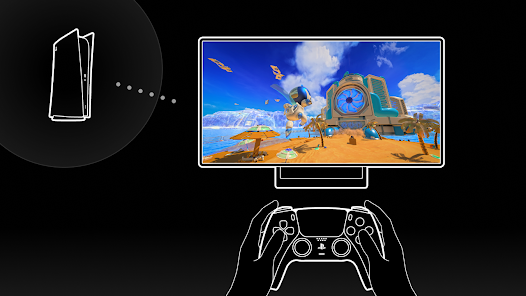
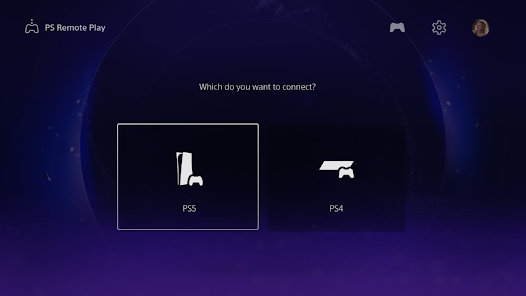
Use PS Remote Play to access your PS5™ or PS4™ and play games remotely on your TV or monitor.
You need the following items to use this app:
• Android TV OS 12 or later installed on your TV, Chromecast with Google TV, or Google TV Streamer. (We recommend setting your TV or monitor to low latency game mode)
• A DualSense™ wireless controller or DUALSHOCK®4 wireless controller
• For devices with Android TV OS 14 or later installed, you can also use a DualSense Edge™ wireless controller
• A PS5 or PS4 console with the latest system software version
• An account for PlayStation™Network
• A fast and stable internet connection (We recommend using a wired connection or 5 GHz Wi-Fi network connection)
Verified devices:
• Sony BRAVIA series
For information about supported models, visit the BRAVIA website. www.sony.net/bravia-gaming
• Chromecast with Google TV (4K model or HD model)
• Google TV Streamer
Note:
• This app may not work properly on unverified devices.
• This app may not be compatible with some games.
• Your controller may vibrate differently than when playing on your PS5 or PS4 console, or your device might not support it.
• Depending on the signal conditions of your device, you might experience input lag when using your wireless controller.
App subject to end-user license agreement:
www.playstation.com/legal/sie-inc-mobile-application-license-agreement/
You need the following items to use this app:
• Android TV OS 12 or later installed on your TV, Chromecast with Google TV, or Google TV Streamer. (We recommend setting your TV or monitor to low latency game mode)
• A DualSense™ wireless controller or DUALSHOCK®4 wireless controller
• For devices with Android TV OS 14 or later installed, you can also use a DualSense Edge™ wireless controller
• A PS5 or PS4 console with the latest system software version
• An account for PlayStation™Network
• A fast and stable internet connection (We recommend using a wired connection or 5 GHz Wi-Fi network connection)
Verified devices:
• Sony BRAVIA series
For information about supported models, visit the BRAVIA website. www.sony.net/bravia-gaming
• Chromecast with Google TV (4K model or HD model)
• Google TV Streamer
Note:
• This app may not work properly on unverified devices.
• This app may not be compatible with some games.
• Your controller may vibrate differently than when playing on your PS5 or PS4 console, or your device might not support it.
• Depending on the signal conditions of your device, you might experience input lag when using your wireless controller.
App subject to end-user license agreement:
www.playstation.com/legal/sie-inc-mobile-application-license-agreement/
Updated on
Safety starts with understanding how developers collect and share your data. Data privacy and security practices may vary based on your use, region, and age. The developer provided this information and may update it over time.

No data shared with third parties
Learn more about how developers declare sharing

This app may collect these data types
App info and performance and Device or other IDs

Data is encrypted in transit
Ratings and reviews
3.1
306 reviews

Jake Branch
- Flag inappropriate
December 28, 2024
Works amazingly well! I own the Google TV Streamer (4K) and have been playing via wired LAN with virtually no issues. Haven't noticed any lag but incredibly rarely experience a drop in framerate that lasts about 5 seconds. This happens at most once every 5 or so hours of gameplay. playing on high speed fiber.
29 people found this review helpful

Cathrine Hubbs
- Flag inappropriate
January 16, 2026
honestly kind of useless if you're using it in the same building I mean with all the things it takes to connect meaning signing in linking up a controller that has to be a PS4 controller or PS5 can't be Xbox or generic controller you might as well turn on your console and just use it in that room.
10 people found this review helpful

Mark Menegatti ᴏsᴀ
- Flag inappropriate
June 6, 2025
After years of using the app fine, suddenly the TV turns off the PS5 while in the middle of a remote play session on another device. I have shut off my TV without it shutting down my PS5 when I was in a remote play session, but now it is shutting it off during a Remote Play Session.
5 people found this review helpful
What’s new
• We've made some performance improvements.
App support
About the developer
Playstation Mobile Inc.
2207 Bridgepointe Pkwy
San Mateo, CA 94404-5060
United States
+1 650-655-5204


