Obsidian
4.1star
16.4K reviews
1M+
Downloads

Everyone
info

About this app
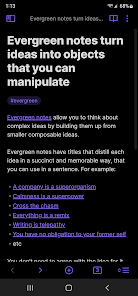
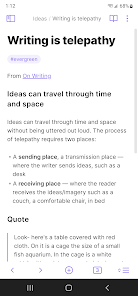
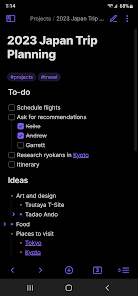
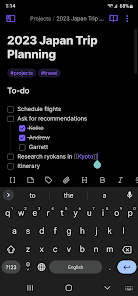
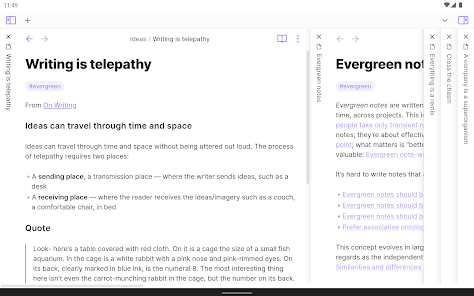
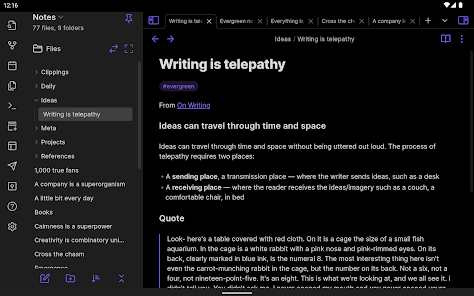
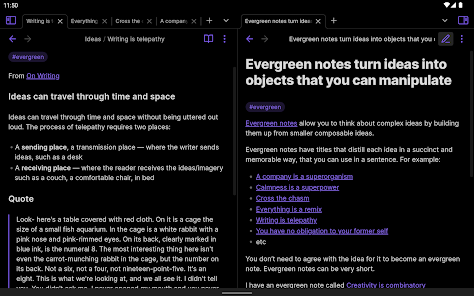
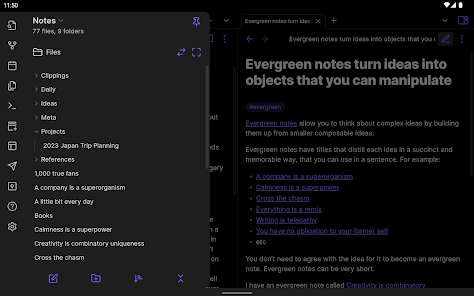
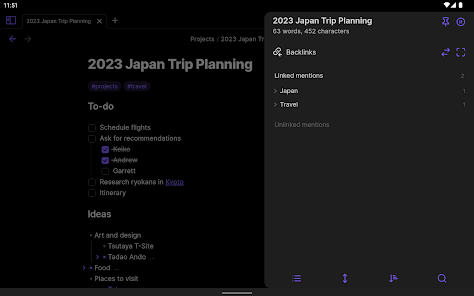
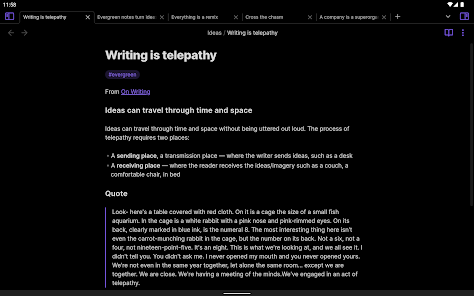
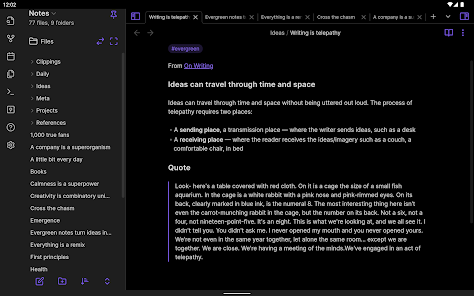
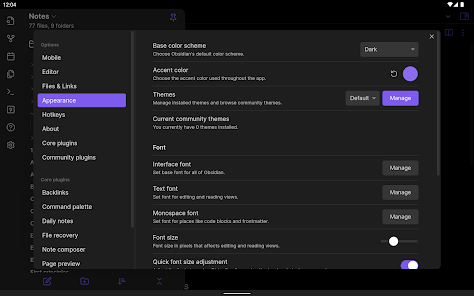
Obsidian is a powerful knowledge base that works on top of
a local folder of plain text Markdown files.
It is a second brain, for you, forever. Now available on the go for Android!
Features include:
- Customizable toolbar
- Pull down quick actions
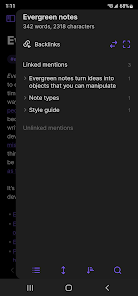
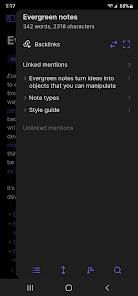
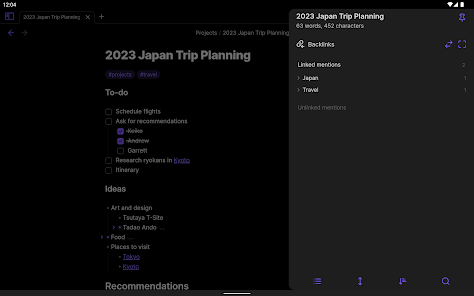
- Graph view
- Share to and from Obsidian
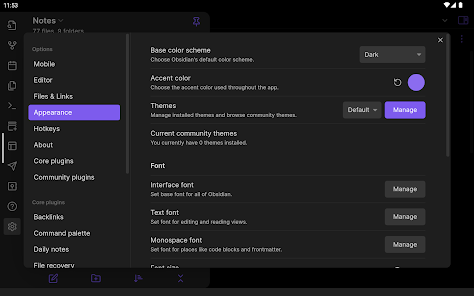
- Community plugins
- Themes
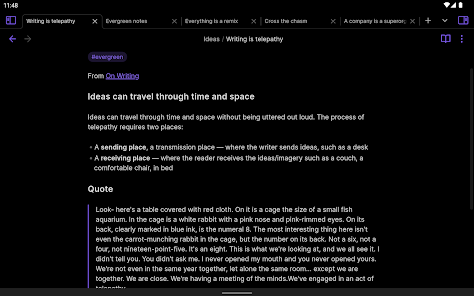
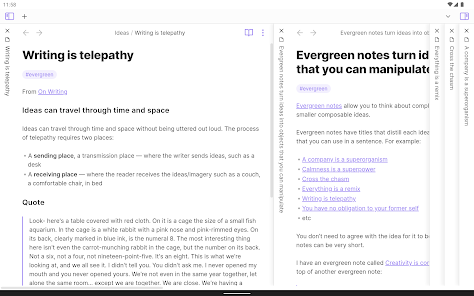
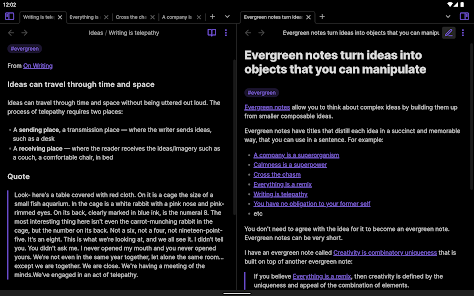
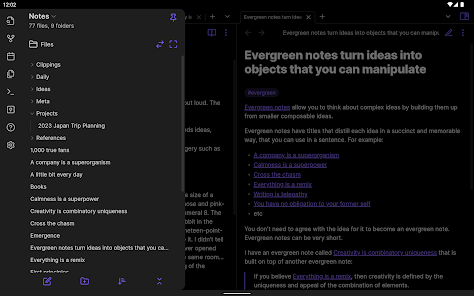
- Sidebar pinning for tablet
a local folder of plain text Markdown files.
It is a second brain, for you, forever. Now available on the go for Android!
Features include:
- Customizable toolbar
- Pull down quick actions
- Graph view
- Share to and from Obsidian
- Community plugins
- Themes
- Sidebar pinning for tablet
Updated on
Safety starts with understanding how developers collect and share your data. Data privacy and security practices may vary based on your use, region, and age. The developer provided this information and may update it over time.

No data shared with third parties
Learn more about how developers declare sharing

No data collected
Learn more about how developers declare collection
Ratings and reviews
4.1
15.1K reviews

Jeff Cours
- Flag inappropriate
Apr 04, 2026
I've used Obsidian for a couple years. It's a very good note-taking app. Vault (a paid add-on) makes syncing across devices effortless, but other cloud solutions also work. Composing in markdown's fast: your hands never leave the keyboard. It stores notes in markdown, so there's no lock-in: you can open them in a text editor. Once a note is synced to your device, you can reliably get to it even when you're offline. Quirks are in tables (a bit clunky) and the outline (hard to find on phones).
355 people found this review helpful

Chad
- Flag inappropriate
- Show review history
February 6, 2026
Update: I appreciate the dev getting back to me that the mixed up tabs preview issue has been fixed. _ Overall it's a fairly solid note taking app, I have yet to find something I like to replace it. Not perfect for my use, but will do. My only gripes are, I don't love the pricing for obsidian sync, I can't completely fault them, I'm merely looking at it from a storage pricing perspective. And for the cloud storage that I happen to have and trust, it seems difficult to set up any automatic sync.
10 people found this review helpful
Dynalist Inc.
February 6, 2026
Try updating to the latest version, this issue has been fixed now. Thanks for your feedback!

Lillian Reid
- Flag inappropriate
- Show review history
February 6, 2026
As a new user, I could have used a tutorial of how to use all the main features. I realize there aren't that many, but there are enough to get frustrated having to discover for myself. Just a text box with arrows, or a short series of images running through the buttons would be sufficient. After stumbling my way through, I figured it out, and this is the perfect app to organize my ideas. I'll give it a 5-star for being awesome and free, but work on a short tutorial on the main stuff, Please.
37 people found this review helpful
What’s new
Includes all new features and bug fixes up to Obsidian Desktop v1.12.7
App support
About the developer


