Next generation launcher 3
Contains ads
4.4star
574 reviews
10K+
Downloads

Everyone
info
About this app
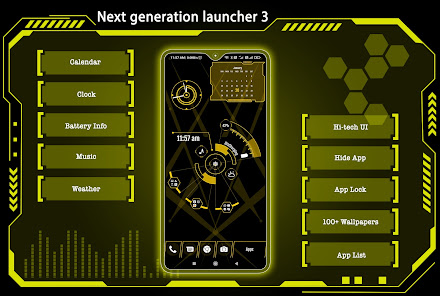
Welcome to Next generation launcher 3, your gateway to a seamless and stylish Android experience. Unlock the power of AppLock, HideApp, Hitech Wallpaper, Folders, and Themes - all in one incredible package. With its futuristic UI, customizable themes, and powerful features, Next generation launcher 3 is the perfect way to make your Android phone feel like a brand new device. This is a perfect user interface design which gives user to easy and better interactive control experience. It provides more wonderful and useful features and any color themes which enhance your phone with different styles.
Features:
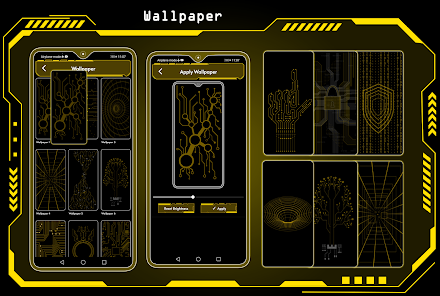
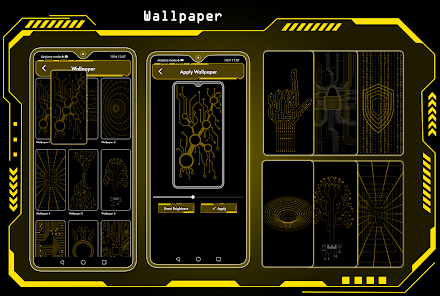
🌄 Dynamic Wallpapers:
Dive into the world of dynamic hi-tech wallpapers that adapt to your chosen theme. Adjust color transparency to your preference and even use images from your personal gallery to personalize your home screen.
⏰ Widget:
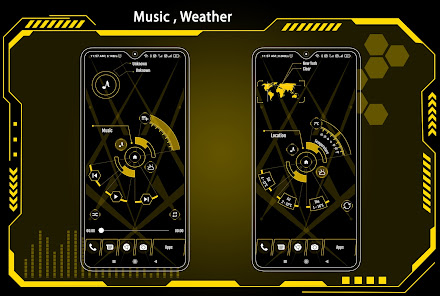
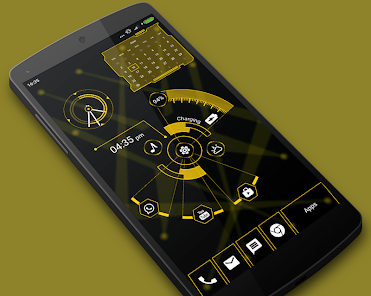
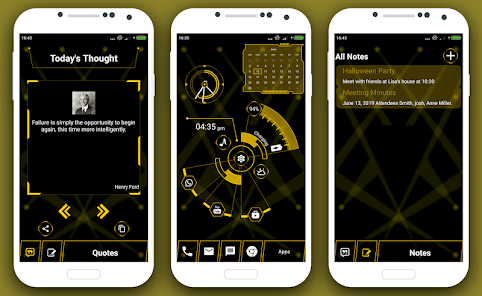
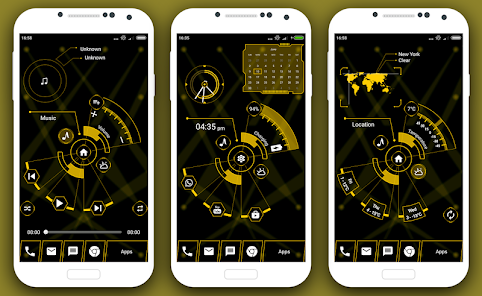
Explore a comprehensive collection of widgets, including Clock, Weather, Memory Analyzer, Music Player, Calendar, Map, and Battery Widgets. All the essential information is right at your fingertips.
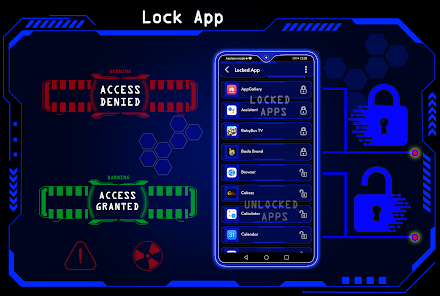
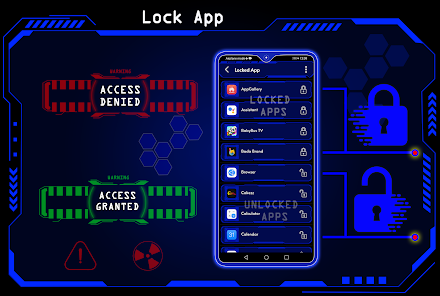
🔒 AppLock:
Secure your apps with ease using our built-in AppLock feature. No need for additional apps - for App lock feature.
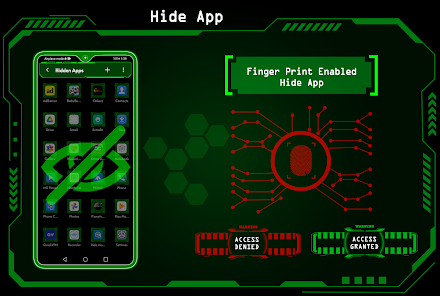
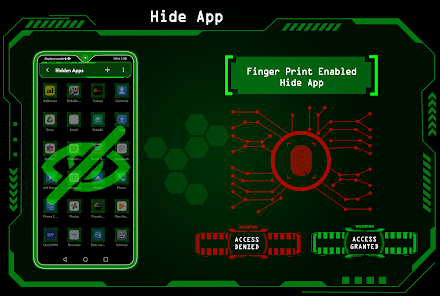
🙈 HideApps:
Keep your sensitive apps discreet with our fingerprint hide app feature. Effortlessly conceal apps from your main app list for enhanced privacy.
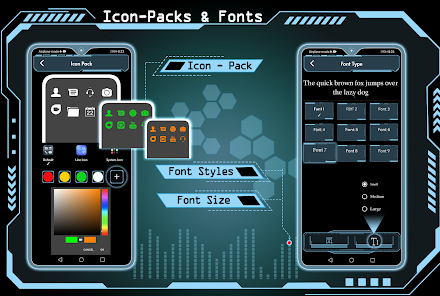
🎨 Icon Pack Delight:
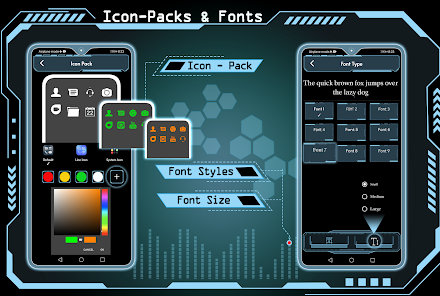
Indulge in our Icon Pack features, including an exclusive white icon pack that adapts to your chosen color. Plus, enjoy compatibility with third-party icon packs for even more personalization.
🎨 Theme Color Selection:
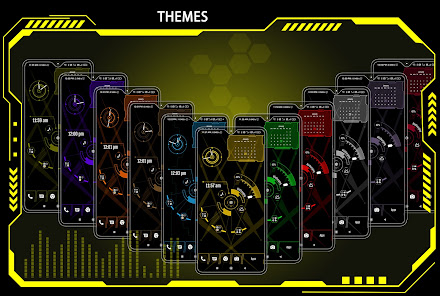
Immerse yourself in a world of color with millions of theme color options. Watch as your entire launcher transforms to exude a futuristic hitech vibe.
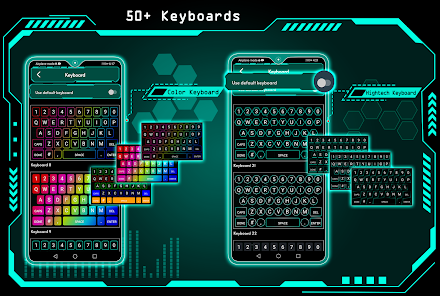
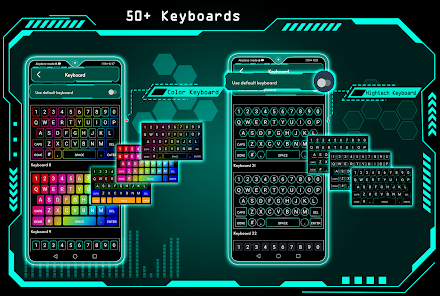
⌨️ Futuristic Keyboard:
Choose from over 50 hi-tech keyboards that offer a futuristic typing experience within the launcher.
✋ Gesture Controls:
Master your device's navigation with intuitive gestures. Swipe, tap, and double-tap to execute various operations effortlessly.
📂 Organize with Folders:
Effortlessly manage your apps using our intuitive folder feature. Convert icons into folders and vice versa by simply long-pressing on them.
🎨 Personalize Your Device:
Transform your device by personalizing it to the fullest. Long-press to modify apps and create a truly tailored experience.
Download Next generation launcher 3 today and experience the future of Android launchers!
Features:
🌄 Dynamic Wallpapers:
Dive into the world of dynamic hi-tech wallpapers that adapt to your chosen theme. Adjust color transparency to your preference and even use images from your personal gallery to personalize your home screen.
⏰ Widget:
Explore a comprehensive collection of widgets, including Clock, Weather, Memory Analyzer, Music Player, Calendar, Map, and Battery Widgets. All the essential information is right at your fingertips.
🔒 AppLock:
Secure your apps with ease using our built-in AppLock feature. No need for additional apps - for App lock feature.
🙈 HideApps:
Keep your sensitive apps discreet with our fingerprint hide app feature. Effortlessly conceal apps from your main app list for enhanced privacy.
🎨 Icon Pack Delight:
Indulge in our Icon Pack features, including an exclusive white icon pack that adapts to your chosen color. Plus, enjoy compatibility with third-party icon packs for even more personalization.
🎨 Theme Color Selection:
Immerse yourself in a world of color with millions of theme color options. Watch as your entire launcher transforms to exude a futuristic hitech vibe.
⌨️ Futuristic Keyboard:
Choose from over 50 hi-tech keyboards that offer a futuristic typing experience within the launcher.
✋ Gesture Controls:
Master your device's navigation with intuitive gestures. Swipe, tap, and double-tap to execute various operations effortlessly.
📂 Organize with Folders:
Effortlessly manage your apps using our intuitive folder feature. Convert icons into folders and vice versa by simply long-pressing on them.
🎨 Personalize Your Device:
Transform your device by personalizing it to the fullest. Long-press to modify apps and create a truly tailored experience.
Download Next generation launcher 3 today and experience the future of Android launchers!
Updated on
Safety starts with understanding how developers collect and share your data. Data privacy and security practices may vary based on your use, region, and age. The developer provided this information and may update it over time.

No data shared with third parties
Learn more about how developers declare sharing

No data collected
Learn more about how developers declare collection

Data is encrypted in transit

You can request that data be deleted
Ratings and reviews
4.4
561 reviews

BIPUL BANERJEE
- Flag inappropriate
January 9, 2026
Pl. add these items also to get "5 Star" rating. 1. Status Bar hide option 2. Double Tap Gesture option for screen-off 3. Display of seconds with clock 4. Day & date below the clock as : "12 JAN 2026" "MONDAY" 5. Side bar in the right side bearing app shortcuts 6. Option for put more shortcuts to Home Screen 7. A different wallpaper for app drawer 8. Arrange left panel 1st page with weather, calendar, notes, markets & news etc. vertically & remove "Today's Quotes" page That's all.

samierage
- Flag inappropriate
- Show review history
June 14, 2025
Such an amazing launcher, I love it but the "Hide app" option has to be secured such that unauthorised user can't access it and removed from "Hide App" option and it has to have lock screen settings with good options and design the launcher music player should sync with both system and installed music player, more so, redesign system notification shade too. my opinion though. I love this launcher so much
2 people found this review helpful

Sussy Baka
- Flag inappropriate
Apr 12, 2026
Amazing looking launcher, at least for an Android Media player dedicated device . Probably would be annoying to have it as a phone though. It doesn't seem to have Horizontal mode, but most Stereo speaker docks has your device in vertical mode .
2 people found this review helpful
App support
About the developer
TIANA ENTERPRISES
54\A, RAVI NAGAR, KHEDAPATI ROAD
Gwalior, Madhya Pradesh 474002
India
+91 83599 87227


