
eReader Prestigio: Book Reader
Contains adsIn-app purchases

4.6star
549K reviews
10M+
Downloads

Everyone
info


About this app
eReader Prestigio: Book Reader is a multi lingual, multi format text and audio books reading app. Intuitive interface in over 25 languages and an in app store library with over 50,000 text (for children and adults) books and Text-To-Speech (read along) functionality.
☆ Prestigio ebooks reader is cool - book and text reading never been simpler - you can read text files in multiple text and audio book formats.
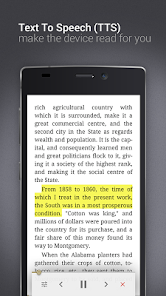
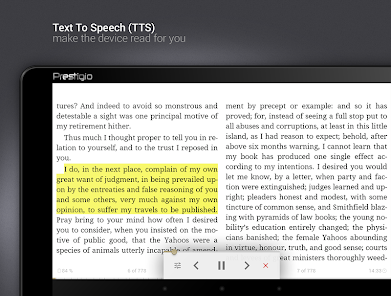
☆ Tired of reading? Switch on Text-To-Speech and let the application read the text book file for you! Kids books read along - let us read the best bed time stories for you.
☆ Personalize your reading:
✔ Material Design and simple navigation - its cool
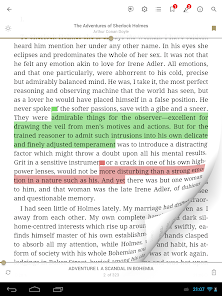
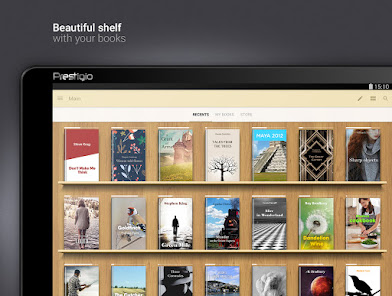
✔ Multiple Shelf Themes and in book backgrounds (add your own)
✔ Scan library for specific file and text book formats
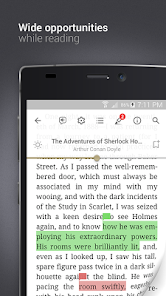
✔ Inbuilt dictionary with Color Dict and others
✔ Text-To-Speech for reading books aloud in multiple languages
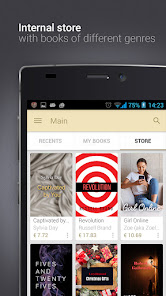
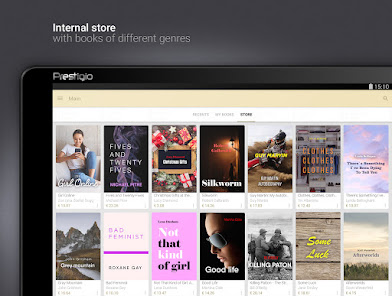
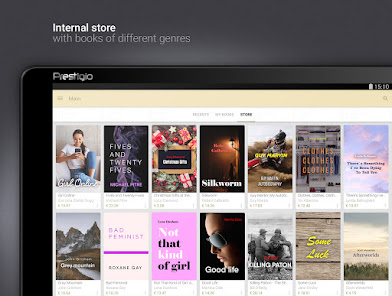
✔ In-App Store best books in epub & fb2 formats
✔ Home screen, Recent books, In book Menu, Android Home Widget
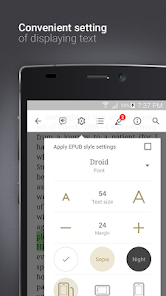
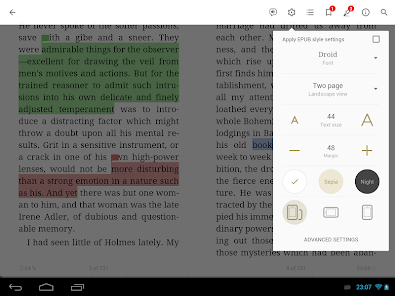
✔ Multiple fonts, sizes and styles for best and cool reading
✔ Night mode
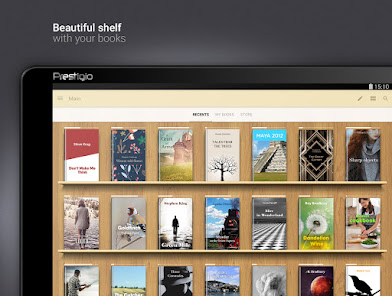
✔ Books Collection – create, edit and store your books, organized by desired criteria (genre, author, added time or series) and view them in covers or list views
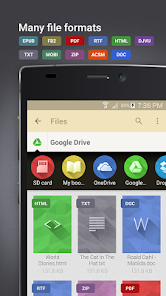
✔ File Manager - easily find your ebook or text file and set of enjoying reading your stories
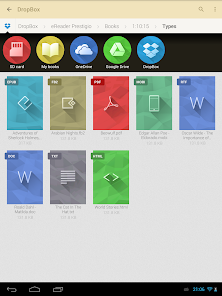
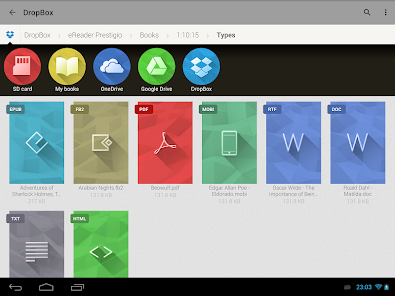
✔ Synchronize your books and text files from cloud services such as Google Drive, One Drive & Dropbox directly into books collections
☆ Create ebooks My Prestigio account to
✔ Synchronize books between devices library (only synchronize text files where you left off, not full library)
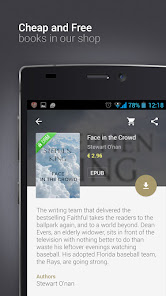
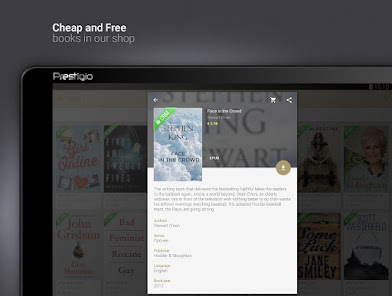
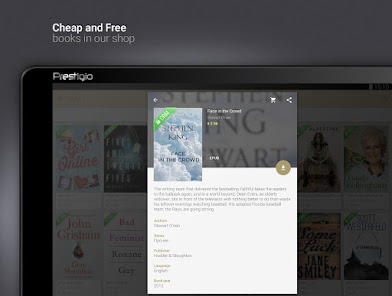
✔ Download free books (adult and children) and texts from In-App ereader book store
☆ Smart ebooks search function on your device
✔ Scan your library to quickly find text files and books
☆ Multiple book formats support
eReader supports the following ebooks formats:
✔ Text files: epub, djvu, html, fb2, fb2.zip, txt, pdf, mobi, epub3
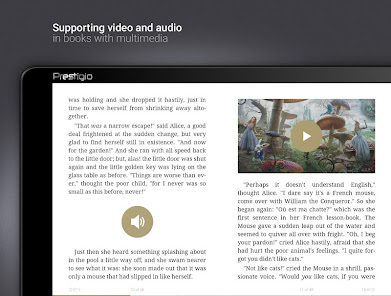
✔ Audio books stories & video files in books
☆ Multi lingual User Interface Support
25 Interface languages supported and growing: English, Russian, German, Spanish, French, Italian, Dutch, Portuguese, Greek, Finnish, Czech, Polish, Croatian, Latvian, Lithuanian, Hungarian, Romanian, Slovak, Slovenian, Bulgarian, Belorussian, Serbian, Ukrainian and Kazakh
☆ Online epub book store
✔ Over 50,000 books - start reading and enjoying your stories
✔ Discover best and cool book releases, but also best free children & adult books and texts
☆ Coming soon:
✔ ebooks library for kids
☆ Our achievements
- Featured application in 88 countries
- Top Developer
If you like our ereader application, please rate it and recommend it to your friends
☆ Prestigio ebooks reader is cool - book and text reading never been simpler - you can read text files in multiple text and audio book formats.
☆ Tired of reading? Switch on Text-To-Speech and let the application read the text book file for you! Kids books read along - let us read the best bed time stories for you.
☆ Personalize your reading:
✔ Material Design and simple navigation - its cool
✔ Multiple Shelf Themes and in book backgrounds (add your own)
✔ Scan library for specific file and text book formats
✔ Inbuilt dictionary with Color Dict and others
✔ Text-To-Speech for reading books aloud in multiple languages
✔ In-App Store best books in epub & fb2 formats
✔ Home screen, Recent books, In book Menu, Android Home Widget
✔ Multiple fonts, sizes and styles for best and cool reading
✔ Night mode
✔ Books Collection – create, edit and store your books, organized by desired criteria (genre, author, added time or series) and view them in covers or list views
✔ File Manager - easily find your ebook or text file and set of enjoying reading your stories
✔ Synchronize your books and text files from cloud services such as Google Drive, One Drive & Dropbox directly into books collections
☆ Create ebooks My Prestigio account to
✔ Synchronize books between devices library (only synchronize text files where you left off, not full library)
✔ Download free books (adult and children) and texts from In-App ereader book store
☆ Smart ebooks search function on your device
✔ Scan your library to quickly find text files and books
☆ Multiple book formats support
eReader supports the following ebooks formats:
✔ Text files: epub, djvu, html, fb2, fb2.zip, txt, pdf, mobi, epub3
✔ Audio books stories & video files in books
☆ Multi lingual User Interface Support
25 Interface languages supported and growing: English, Russian, German, Spanish, French, Italian, Dutch, Portuguese, Greek, Finnish, Czech, Polish, Croatian, Latvian, Lithuanian, Hungarian, Romanian, Slovak, Slovenian, Bulgarian, Belorussian, Serbian, Ukrainian and Kazakh
☆ Online epub book store
✔ Over 50,000 books - start reading and enjoying your stories
✔ Discover best and cool book releases, but also best free children & adult books and texts
☆ Coming soon:
✔ ebooks library for kids
☆ Our achievements
- Featured application in 88 countries
- Top Developer
If you like our ereader application, please rate it and recommend it to your friends
Updated on
Safety starts with understanding how developers collect and share your data. Data privacy and security practices may vary based on your use, region, and age. The developer provided this information and may update it over time.


Ratings and reviews
4.6
464K reviews

Paige Keller
- Flag inappropriate
- Show review history
March 29, 2026
I originally left a 5 star review. I recently got a new phone and almost none of the files transfered over. I managed to send myself the files and they all showed up but now nothing is in order. I wish you could move the books around in each list instead of having to rename them with numbers 1-9 or the alphabet if the series is too big. i feel like that would be a fairly easy and heavily desired feature to add in. why is the default organization alphabetical? It's supposed to be a bookshelf
1 person found this review helpful
Prestigio development team
July 15, 2024
Hello! Thanks for the high rating. We are very glad that you like the app.

LaDar Moore?
- Flag inappropriate
February 11, 2026
I give only 1*, because I can't, even, create an account. When I downloaded the app & tried finding anything, I got a connection issue. It finally came up & found Aesop's Fables. Tried creating an account, so I could get the book, & got a connection issue. It's not on my end. The issue is because the app owner's internet keeps going out. I found out, from another app, that when the devopers have internet issues the users will have connection issues. It may, also, be that their server overloaded.
10 people found this review helpful

Love Dove
- Flag inappropriate
- Show review history
January 12, 2026
Easy to use, ability to modify library and create sub folders for better organization. TTS works beautifully. An app whose function is something to aspire to. EDIT: After using this for years, I must lower my rating. Every time I search for a book I download, the app lists everything in alphabetical order. If you read a lot, this is a nightmare. You have to sort through every single file until you find the right one. Ideally, the files would be listed by date downloaded like they used to.
3 people found this review helpful
Prestigio development team
January 9, 2024
Hello! Thanks for the high rating. We are very glad that you like the app.
What’s new
- Added support Android 15
- Fixed opening PDF books
- Fixed opening PDF books
App support
About the developer


