
New Year's Eve - Animated
Contains ads

4.2star
27 reviews
1K+
Downloads

Everyone
info
About this app
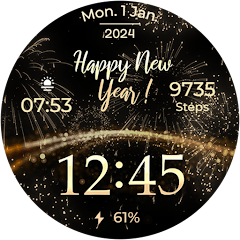
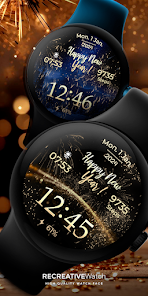
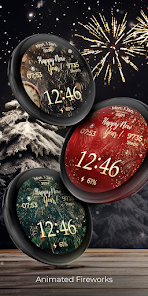
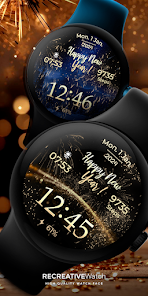
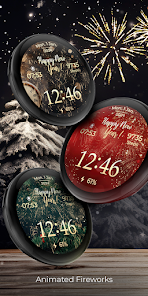
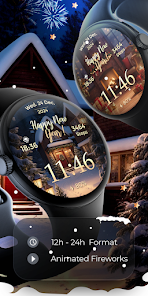
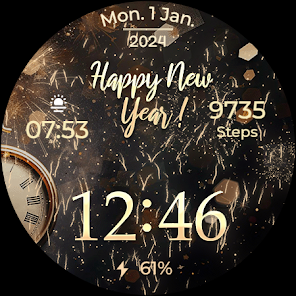
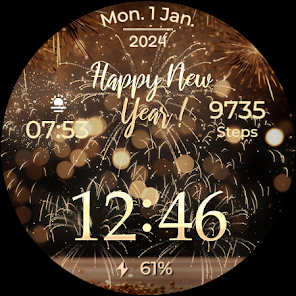
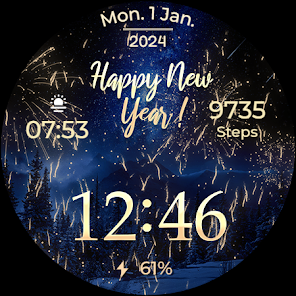
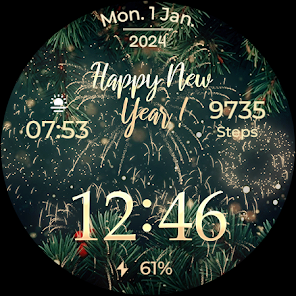
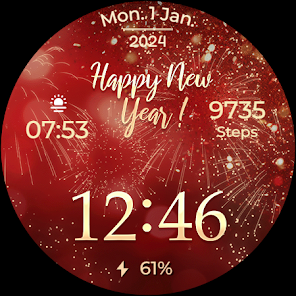
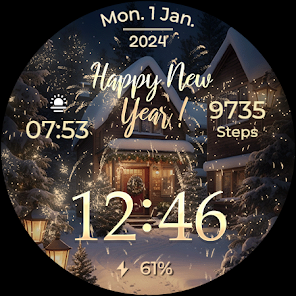
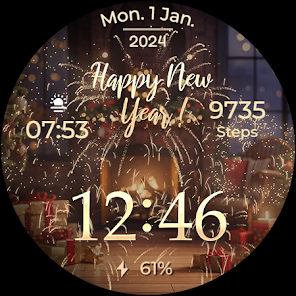
🎆 Ring in the New Year with the animated Wear OS Watch face! Revel in dynamic fireworks and choose from multiple mesmerizing backgrounds, making every glance a celebration as the clock ticks down to midnight. 🕰️🎉🍾 We wish you a Merry Christmas & Happy New Year!
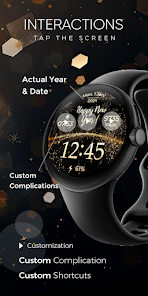
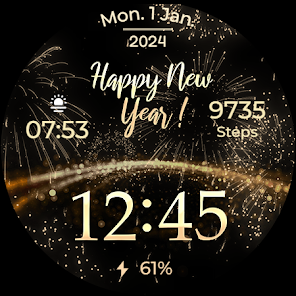
What date is displayed? For example: If you are in the year 2025, the watch face will show that year. When it's New Year's Eve, the watch face will display 2026 after 31 dec, 12:00.
⚙️ Phone App Features
This phone app is simply a tool to facilitate installation and locating the watch face on your Wear OS watch. Only the mobile app contains ads.
⚙️ Watch Face Features
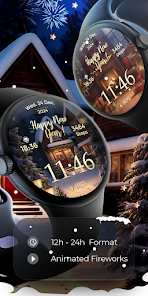
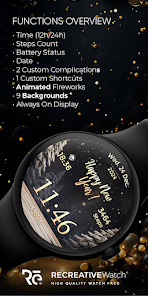
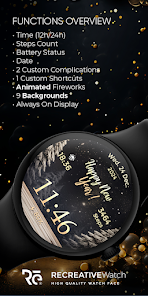
• 12/24h Digital Time
• Date
• Battery
• Steps Count
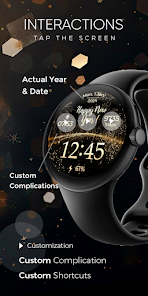
• 2 customizable Complications
• 1 customizable Shortcuts
• 9 Backgrounds
• Animated Fireworks
• Always ON Display supported with changeable colors and changeable modes
🎨 Customization
1 - Touch and hold display
2 - Tap on Customize option
🎨 Complications
Touch and hold display to open customization mode. You can customize the field with any data you want.
🔋 Battery
For better battery performance of the watch, we recommend disabling the "Always On Display" mode.
✅ Compatible devices include API level 33+ Google Pixel, Galaxy Watch 4, 5, 6, 7 and other Wear OS models.
Installation and troubleshooting
Follow this link: https://www.recreative-watch.com/help/#installation-methodes
Watch faces don't automatically apply on your watch screen after the installation. That's why you must set it on your watch's screen.
💌 Write to [email protected] for assistance.
What date is displayed? For example: If you are in the year 2025, the watch face will show that year. When it's New Year's Eve, the watch face will display 2026 after 31 dec, 12:00.
⚙️ Phone App Features
This phone app is simply a tool to facilitate installation and locating the watch face on your Wear OS watch. Only the mobile app contains ads.
⚙️ Watch Face Features
• 12/24h Digital Time
• Date
• Battery
• Steps Count
• 2 customizable Complications
• 1 customizable Shortcuts
• 9 Backgrounds
• Animated Fireworks
• Always ON Display supported with changeable colors and changeable modes
🎨 Customization
1 - Touch and hold display
2 - Tap on Customize option
🎨 Complications
Touch and hold display to open customization mode. You can customize the field with any data you want.
🔋 Battery
For better battery performance of the watch, we recommend disabling the "Always On Display" mode.
✅ Compatible devices include API level 33+ Google Pixel, Galaxy Watch 4, 5, 6, 7 and other Wear OS models.
Installation and troubleshooting
Follow this link: https://www.recreative-watch.com/help/#installation-methodes
Watch faces don't automatically apply on your watch screen after the installation. That's why you must set it on your watch's screen.
💌 Write to [email protected] for assistance.
Updated on
Safety starts with understanding how developers collect and share your data. Data privacy and security practices may vary based on your use, region, and age. The developer provided this information and may update it over time.

No data shared with third parties
Learn more about how developers declare sharing

This app may collect these data types
Location, Personal info and 3 others

Data is encrypted in transit

You can request that data be deleted
App support
About the developer
REPRESENTUM CREATIVE S.R.L.
STR. MIHAIL EMINESCU BL.18 SC.A AP.2
545100 Iernut
Romania
+40 775 332 350


